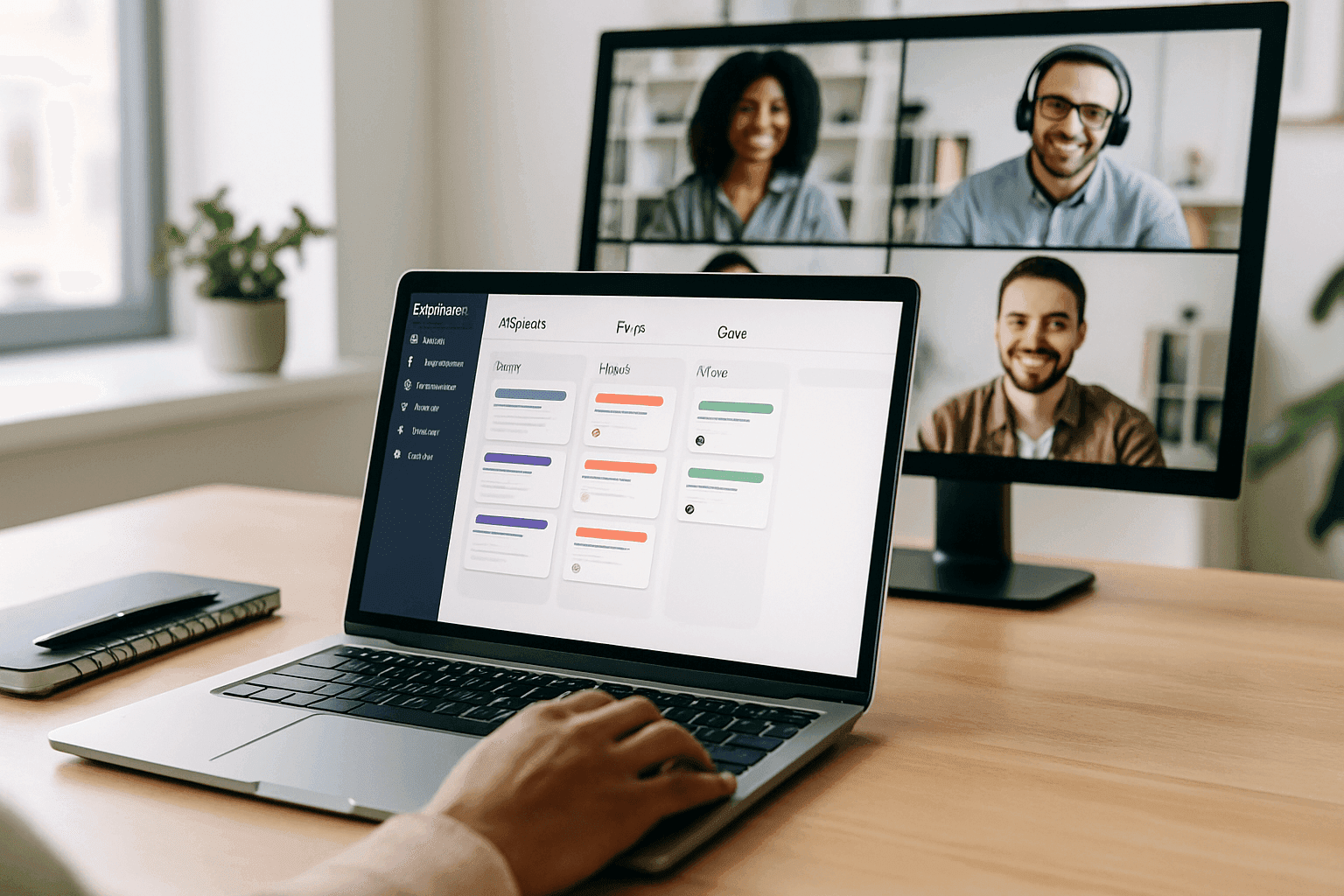
Project management software platforms transform remote work
The move to distributed work changed how teams in New York, Miami, Seattle, and Denver coordinate, share information, and deliver results. What started as an emergency fix is now standard operating practice for many US companies in 2026. Project management platforms have stopped being optional tools and become the systems teams rely on to turn scattered work into predictable outcomes.
Good platforms do more than list tasks or host video calls. They build shared workspaces where people across time zones and locations keep visibility, stay accountable, and keep momentum. The teams that do well remotely set up clear digital coordination the way good office teams set up reliable meeting rhythms.
Why old coordination methods break down for distributed teams
Email threads become long and confusing. Status meetings take too much time. Multiple document versions live in different folders. Those problems get worse when teams are spread across offices in Washington and remote workers in the Rocky Mountains. Without quick hallway conversations, info stops flowing and accountability drops. Cloud platforms fix that by giving teams a single, persistent place to find context and know who owns what.
Core capabilities that matter
Not every platform delivers equal value. US workplace leaders choosing a solution should focus on features that fix real coordination problems.
- Centralized task visibility so everyone sees what needs doing, who is responsible, and when work is due.
- Asynchronous communication so teams in Los Angeles and Boston can move work forward without live meetings.
- Document collaboration inside workflows to avoid version chaos when multiple locations contribute to the same deliverable.
- Flexible notifications so people stay informed without constant interruptions.
- Integrations that connect project work to HR, payroll, calendar, and other business systems.
The remote collaboration maturity framework
Teams move through clear stages as they adopt project tools.
- Level 1: Reactive coordination Email and meetings are the default. Work feels chaotic.
- Level 2: Centralized information A shared platform exists but adoption is uneven.
- Level 3: Integrated workflows The platform is the single source of truth and most people use it daily.
- Level 4: Proactive optimization Teams adjust processes using platform data and automation.
- Level 5: Strategic advantage The company hires across the US and coordinates teams by skill rather than office location.
Applying the framework: a US workplace example
A mid sized company with offices in San Francisco, Chicago, and remote staff across the Rocky Mountains was stuck in Level 1. They created a standard project template for employee programs, assigned clear owners for each location, and moved all communications into the platform. They also connected post event feedback directly to project records so future events improved faster. Within three months they hit Level 3 and found less duplicated work and clearer ownership. For tips on running events that involve remote and in office staff see ideas for planning meaningful events.
Common misconceptions
More features mean better outcomes Not true. Teams adopt fewer features well more often than many features poorly.
The platform will fix bad processes Tech amplifies whatever process you put into it. Fix the process first.
Everyone will adopt new tools naturally Adoption requires training, clear expectations, and leadership modeling.
One platform must do everything Different work types call for different tools. The right approach is an integrated ecosystem.
Tools are only for fully remote teams Hybrid teams in Washington or Las Vegas can struggle more without consistent digital practices.
How to measure success
Track project cycle time to see if coordination gets faster. Run short pulse surveys to measure how team members feel about collaboration. Monitor meeting hours per person to see if work shifts from status updates to problem solving. Measure how often teams from different departments work together to see if silos are breaking down. Leaders should be able to view project status and capacity without special reports.
Integration and hybrid work tips
Default to digital documentation so remote workers never miss hallway conversations. Set rules about what requires platform documentation and what can happen informally. Share meeting agendas and notes in the platform and post action items so everyone, whether in Miami or a satellite office, has the same context. If you run mixed in person and virtual programs, connecting RSVPs, vendor tasks, and feedback in the same project record makes execution smoother and more consistent.
To learn how other teams are solving similar coordination problems and to read more articles on the Naboo blog about practical rollouts, look for examples that match your team size and industry.
Automation and smart features
Modern platforms in 2026 offer smart task assignment, automated status summaries, predictive timelines, and filtered notifications. These features work best after teams reach Level 3. If your team has low adoption, focus on basics before enabling advanced automation.
Practices that keep remote work sustainable
Keep a regular rhythm for check ins and planning. Require short written updates so meetings are productive. Make decision roles explicit and record decisions in the platform. Create spaces for informal connection so people do more than task hand offs. Run regular retrospectives and improve processes based on real feedback.
Looking ahead
Expect closer ties between project management and employee experience platforms. Immersive tech may help some team activities but text based asynchronous work will stay central. Security and privacy requirements will tighten so prioritize vendors with strong controls. As teams include contractors and partners, platforms must support flexible permissions and fast onboarding.
Conclusion
Project management platforms are now core infrastructure for US distributed teams in 2026. Success requires matching the right tech with clear processes, deliberate adoption, and ongoing practice improvements. When teams do that, remote collaboration becomes a capability that helps companies hire broadly from New York to the Rocky Mountains and deliver consistent results.
Frequently Asked Questions
What makes project management software effective for remote teams versus in person teams?
Remote teams lack informal coordination that happens naturally in shared offices. Good platforms make work visible, enable asynchronous decisions, and set clear ownership. That matters more for distributed teams than for co located teams.
How long until teams see productivity gains?
Expect a short drop in productivity for two to four weeks as people learn new tools. Measurable gains usually show in six to twelve weeks with proper training and leadership support. Full maturity often takes six months or more.
Should small teams buy comprehensive platforms or start simple?
Start simple. Small teams get more value from a few well used features than from a complex system they do not adopt.
How do you ensure people use the platform instead of defaulting to email?
Leadership must model the behavior, set clear expectations about where critical information lives, provide training, and enforce gentle accountability. Make certain types of information available only in the platform so usage becomes natural.
What security things should US leaders check when picking a platform?
Look for enterprise encryption, granular permissions, audit logs, and industry certifications like SOC 2 or ISO 27001. Check vendor incident response plans and data residency options if you operate across states or handle regulated data.