Project coordination made simple for UK teams
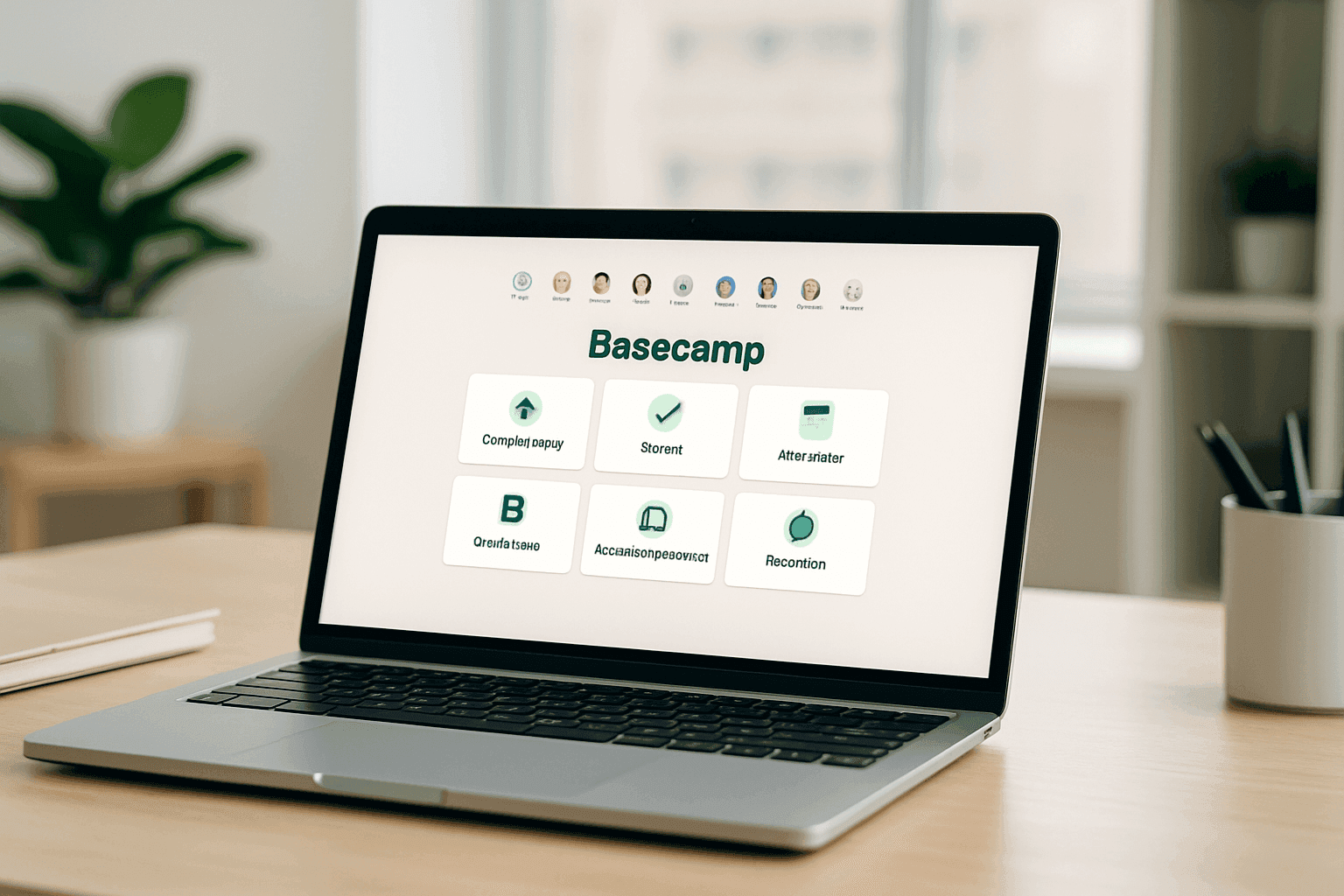
With the UK world of work changing quickly, teams from London agencies to product groups in Manchester and Glasgow need tools that cut through noise. Basecamp keeps things straightforward: message boards, to-do lists, file storage, schedules and automatic check-ins. That predictable layout helps people find the right information fast without a steep learning curve.
How Basecamp organises work
Each project in Basecamp is a self-contained workspace with consistent tools. Message boards replace long email threads, Campfire gives quick chat when needed, and to-do lists make responsibilities clear. The automatic check-ins are handy for distributed teams — for example, consultants working between Edinburgh and the Scottish Highlands can post updates on their own time without daily status calls.
Why communication patterns matter
Fragmented conversations waste time. Basecamp attaches discussions to the projects they belong to, so decisions don’t get lost in people’s inboxes. Message boards keep decisions and feedback visible, while Campfire handles short, real-time chats. That mix helps teams in Birmingham or Leeds cut meeting time and spend more hours on real work.
Common misunderstandings about simplicity
People often equate simplicity with weakness. In practice, complex features like Gantt charts or resource levelling are unused in many small to mid-sized teams. Basecamp focuses on getting the basics right: clear communication and organised information. That often matters more than advanced bells and whistles.
Use the Project Coordination Readiness Framework
Before choosing a tool, be honest about what your team actually needs. Basecamp suits teams with good written communication, clear project boundaries and little need for enforced methodology. It’s a good fit for many creative agencies in Liverpool or regional councils that prefer straightforward coordination over complex reporting.
Applying this locally: a mid-size Manchester agency
Imagine a mid-sized marketing agency in Manchester tired of juggling client emails, spreadsheets and calls. They map each client to a Basecamp project, agree to use message boards for client feedback, and use to-do lists for task ownership. To support adoption, they consult guidance and read more articles on the Naboo blog about practical rollout steps. They also schedule occasional team socials and training sessions inspired by ideas for planning meaningful events to keep morale and use levels high while they embed new habits.
Measuring success
Measure outcomes, not logins. Track time spent in status meetings, how quickly people find project information, on-time delivery rates and team confidence in priorities. Run short pulse surveys to check if frustration falls and whether the platform really saves time for people in different UK offices.
Practical tips for a smooth roll-out
- Set clear rules for what belongs in Basecamp and what stays in email.
- Create project templates that match common work types—client projects, product areas, internal ops.
- Use check-ins sparingly to avoid compliance fatigue.
- Train people on why the structure matters, not just how to click buttons.
- Review usage every few months and adjust templates and norms.
Where Basecamp isn’t the right fit
If your organisation needs detailed resource management, complex dashboards for regulatory reporting, or very granular permissions, Basecamp’s simplicity will feel restrictive. Large public-sector programmes or complex engineering projects often need tools with deeper planning and analytics.
Who benefits most in the UK
Basecamp works well for remote-first teams, creative agencies, small professional services firms and product groups using lightweight development workflows. It helps teams that want clear, consistent project spaces and prefer less time training and more time doing the work.
Final thoughts
Basecamp’s focused approach is a deliberate trade-off: less complexity in exchange for clearer communication and faster adoption. For many teams across London, Leeds and beyond, that trade-off is worth it. The important question is whether your current problems are caused by scattered communication and unclear ownership—if so, Basecamp is worth trialling. If your needs centre on heavy-duty planning or deep analytics, consider supplementing it or looking at other platforms.
Frequently asked questions
What makes Basecamp different from other platforms?
Basecamp keeps the basics visible and easy to use. It’s not about having every feature; it’s about centralising conversations, tasks and files so people spend less time hunting for information and more time delivering work.
Can Basecamp handle teams across time zones?
Yes. Its emphasis on asynchronous updates and check-ins makes it suitable for teams spread across the UK and internationally. People can catch up in their own time and still stay aligned.
What are the main limitations?
Expect minimal built-in reporting, no Gantt charts or advanced resource planning, and limited permission granularity. If those are essential, you’ll need extra tools or a different platform.
How should organisations measure success?
Look at reduced meeting time, faster access to project information, better on-time delivery and improved team satisfaction. Sustainable daily use over months shows the tool is solving real problems.