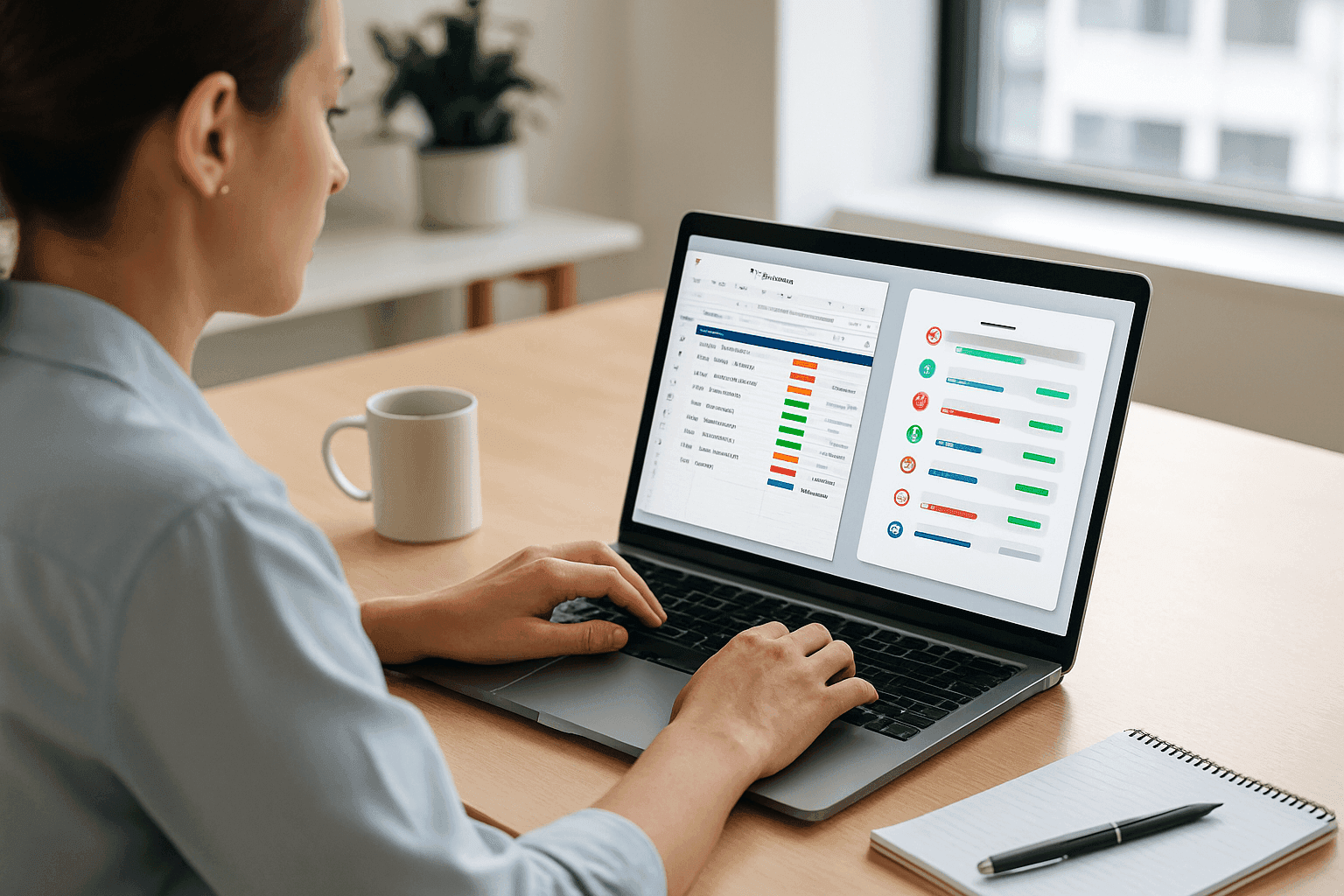
Selecting the right platform to coordinate work across teams matters when building day-to-day operations. Two tools dominate US companies: Smartsheet, with a spreadsheet-style grid and enterprise controls, and Asana, known for a clear visual interface and quick team adoption. Your choice affects how information flows, how work gets assigned, and how quickly teams deliver results.
architectural approaches that shape daily work
Smartsheet grew from the idea that many people organize work in rows and columns. Its interface will feel familiar to teams moving from Excel trackers, financial models, or detailed resource plans used by firms in Chicago and Washington D.C. Asana was built around tasks, lists, and boards. That task-first design makes it easy for marketing teams in Miami or event coordinators in Las Vegas to start using it the same week they subscribe.
Those different mental models change how teams build projects. Smartsheet users often build sheets with formulas, conditional formatting, and cross-sheet links. Asana users create networks of tasks, subtasks, and visual progress views. Neither model is always better. The right fit depends on how your organization actually thinks and works.
core task management features
Both products give you task lists, due dates, and assignments, but with different priorities. Smartsheet emphasizes data control: custom columns, dependent dropdowns, and formula-driven updates are helpful when tracking budgets or billable hours in professional services firms. Bulk editing in a grid makes updates fast when dozens of line items change at once.
Asana focuses on fast task entry and clear communication. Creating a task takes a few clicks, and conversations, attachments, and checklists live on the task card. Custom fields are great for filtering and sorting but not for heavy calculations. For teams running city-wide campaigns or coordinating hybrid teams across time zones, Asana gets people working quickly.
Both platforms automate work. Smartsheet handles multi-step sequences, conditional logic, and webhooks that push data to other systems. Asana automates common team steps like reassigning tasks when status changes or setting a follow-up date after a milestone. If your process is data heavy, Smartsheet usually fits better. If your goal is to remove friction from daily coordination, Asana is often simpler.
visualization and reporting that help leaders decide
Smartsheet offers grid, Gantt, calendar, and card views with strong timeline and dependency tools. Its dashboards are a clear fit for executive reporting across multiple projects, useful for regional offices tracking initiatives from Boston to Los Angeles. Asana gives list, board, timeline, and calendar views that are easy to switch between. Its portfolio view helps managers see progress across projects, while reporting focuses on workloads and completion trends rather than deep financial metrics.
For event planning, visualization needs vary. Large trade shows or corporate events in Las Vegas or New York that require vendor tracking and budget control often benefit from Smartsheet. Smaller recurring events or team meetups across offices in Miami or Denver usually work well in Asana. If you need inspiration for team activities or offsites while you plan, check out some inspiring event ideas on our events page.
how teams communicate and work together
Smartsheet ties comments to rows, keeping conversations next to the specific item they reference. Update requests can collect information from stakeholders and populate sheets automatically. This structure helps teams with strict handoffs or compliance needs.
Asana keeps conversations on tasks with threaded comments and the ability to turn comments into follow-up tasks. People can follow a task to get updates without being assigned, which reduces unnecessary notifications. Both tools integrate with Slack, Teams, and file storage, but Smartsheet behaves more like a central record of truth, while Asana acts as the place work happens day to day.
resource planning and capacity management
Smartsheet offers resource management add-ons for workload views, capacity planning, and time tracking. It helps managers in consulting firms or agencies justify headcount with utilization data. Asana provides a workload view that highlights when people are overloaded, but it does not calculate utilization percentages natively. Many organizations pair Asana with a dedicated resource tool if they need detailed analytics.
As your company grows from a small office in Austin to regional teams across the US, your resource planning needs will change. Match the tool to where you are now and where you expect to be in 12 to 36 months to avoid overpaying for unused features or outgrowing the system too quickly.
common mistakes teams make when choosing
Teams often pick based on feature lists rather than which features will actually be used. Buying advanced portfolio tools makes little sense if no one has time to set them up. Another common error is ignoring integrations with existing systems like CRMs and accounting platforms. A tool that does not connect smoothly to your stack creates manual work that erodes any productivity gains.
Change management is also underestimated. Buying software is not the same as adoption. Choose a platform that matches your team’s technical comfort level so people will actually use it. Finally, define success metrics before you start. Want fewer status meetings in Chicago? Faster project turnaround in San Francisco? Set baselines so you can measure improvement.
a simple decision framework
Use five practical dimensions to evaluate fit. Operational complexity, team technical comfort, governance needs, reporting requirements, and growth plans tell you whether Smartsheet or Asana is a better match for your organization. Score each area honestly and favor the platform that aligns with how you work and where you are headed.
applying the framework: a US mid-sized firm example
Imagine a 150-person professional services firm with offices in New York and Denver. They used spreadsheets and email and need a single platform for client work and internal projects. Their client work requires budgets and confidentiality, while internal teams want a simple tool for marketing and HR tasks. After scoring the five dimensions, they chose Smartsheet for client tracking and billing and Asana for internal initiatives. The hybrid approach improved executive visibility and sped up internal projects without forcing everyone onto one system. For practical guides and case studies from other US teams, read more articles on the Naboo blog.
measuring success that executives care about
Measure business outcomes, not just logins. Compare project cycle time, hours spent in status meetings, onboarding speed for new hires in Washington D.C., rework rates, and financial measures like cost variance and revenue per project. For event teams, track budget variance, vendor payment accuracy, and attendee satisfaction. Also check adoption quality. Is the platform the source of truth or are people keeping shadow spreadsheets?
integrations and fitting into your tech stack
Smartsheet positions itself as a data hub with bi-directional sync and an API for custom integrations. Asana focuses on productivity integrations that pull context into tasks. Map where project data needs to flow before buying. If your CRM must create kickoff tasks automatically, verify the integration works the way your teams in sales and delivery expect. Integration needs often grow over time, so choose a platform with a healthy developer ecosystem and clear documentation.
security, compliance, and governance
Both platforms offer enterprise security. Smartsheet provides granular access controls and supports compliance frameworks important for healthcare and finance teams. Asana offers project-level permissions and enterprise admin features that suit most commercial uses. Beyond technical safeguards, check whether the platform supports governance workflows like required fields, approval steps, and template control to keep processes consistent as you scale.
pricing and total cost of ownership
Beyond per-user fees, include implementation, training, integrations, and ongoing admin time in your budget. Smartsheet often requires consulting for complex setups. Asana usually needs less external help, but both require change management to reach full value. Consider the cost of switching if the first choice fails. A careful evaluation up front usually pays off over three to five years.
```htmlSmartsheet vs Asana: Key Comparison Table
| Feature Category | Smartsheet | Asana | Best For | Setup Difficulty | Team Size |
|---|---|---|---|---|---|
| Architecture Approach | Spreadsheet-based, grid-centric | Project board-centric, timeline-focused | Data-heavy vs. workflow-heavy teams | Medium vs. Low | Enterprise vs. Agile teams |
| Task Management | Rows, columns, hierarchies, dependencies | Tasks, subtasks, custom fields, templates | Complex workflows vs. simple sprints | Moderate vs. Easy | 10-500+ vs. 5-200 |
| Visualization Options | Grid, Gantt, calendar, dashboards | List, board, timeline, calendar | Reports and analytics vs. visual workflows | Advanced vs. Beginner | Large orgs vs. small-medium teams |
| Team Communication | Comments, attachments, notifications | Task comments, status updates, chat (premium) | Structured updates vs. real-time collaboration | Moderate vs. Low | Dispersed vs. co-located teams |
| Resource Planning | Resource management tools, capacity planning | Workload view, timeline allocation | Multi-project allocation vs. single-project focus | Expert vs. Intermediate | 50+ vs. 15-50 |
| Pricing (Monthly) | $14-32+ per user | $10.99-24.99+ per user | Budget-conscious vs. feature-rich needs | Any size | |
| Common Mistake to Avoid | Over-automating without user adoption | Underutilizing portfolios for oversight | Proper training and planning before rollout | Prevention via change management | All teams |
support, training, and vendor partnership
Vendor support varies by tier. Smartsheet offers phone support and dedicated account teams at higher levels. Asana provides strong self-service resources and enterprise support for larger customers. Both have certification programs and community forums. Appoint internal champions who can train new hires and keep workflows up to date as people move between offices from Miami to Seattle.
making the final call
Smartsheet fits organizations that need data depth, complex resource planning, and strict controls. Asana fits teams that prioritize ease of use, collaboration, and quick adoption. Neither tool is a universal winner. The right pick depends on your operational maturity, team skills, and where you want to be in the next two to three years.
frequently asked questions
what is the main difference between smartsheet and asana?
The main difference is structure. Smartsheet uses a spreadsheet model with formulas and strong reporting. Asana uses a task-based model that is easier to adopt and better for team collaboration. Firms needing detailed calculations and portfolio dashboards often choose Smartsheet. Teams that need fast onboarding and clear day-to-day workflows usually choose Asana.
which tool is better for corporate event planning?
For large events with multiple vendors and budgets, Smartsheet is often better because of its calculation abilities and detailed tracking. For smaller recurring events or internal meetups, Asana’s boards and timelines usually cover what you need.
how should teams new to project tools start?
Start with Asana if your goal is quick adoption and simple project control. If your team already uses spreadsheets heavily and needs structured reporting, Smartsheet can work but will need more training.
what hidden costs should we expect beyond subscriptions?
Budget for implementation, training, integrations, and the time an admin spends keeping things running. Complex Smartsheet setups often need external consultants. Also factor in the cost of switching if the choice does not meet needs.
can an organization use both tools at once?
Yes. Many US companies use Smartsheet for client-facing, data-heavy work and Asana for internal projects and campaigns. That approach requires clear guidelines to avoid confusion but can deliver the best of both worlds.