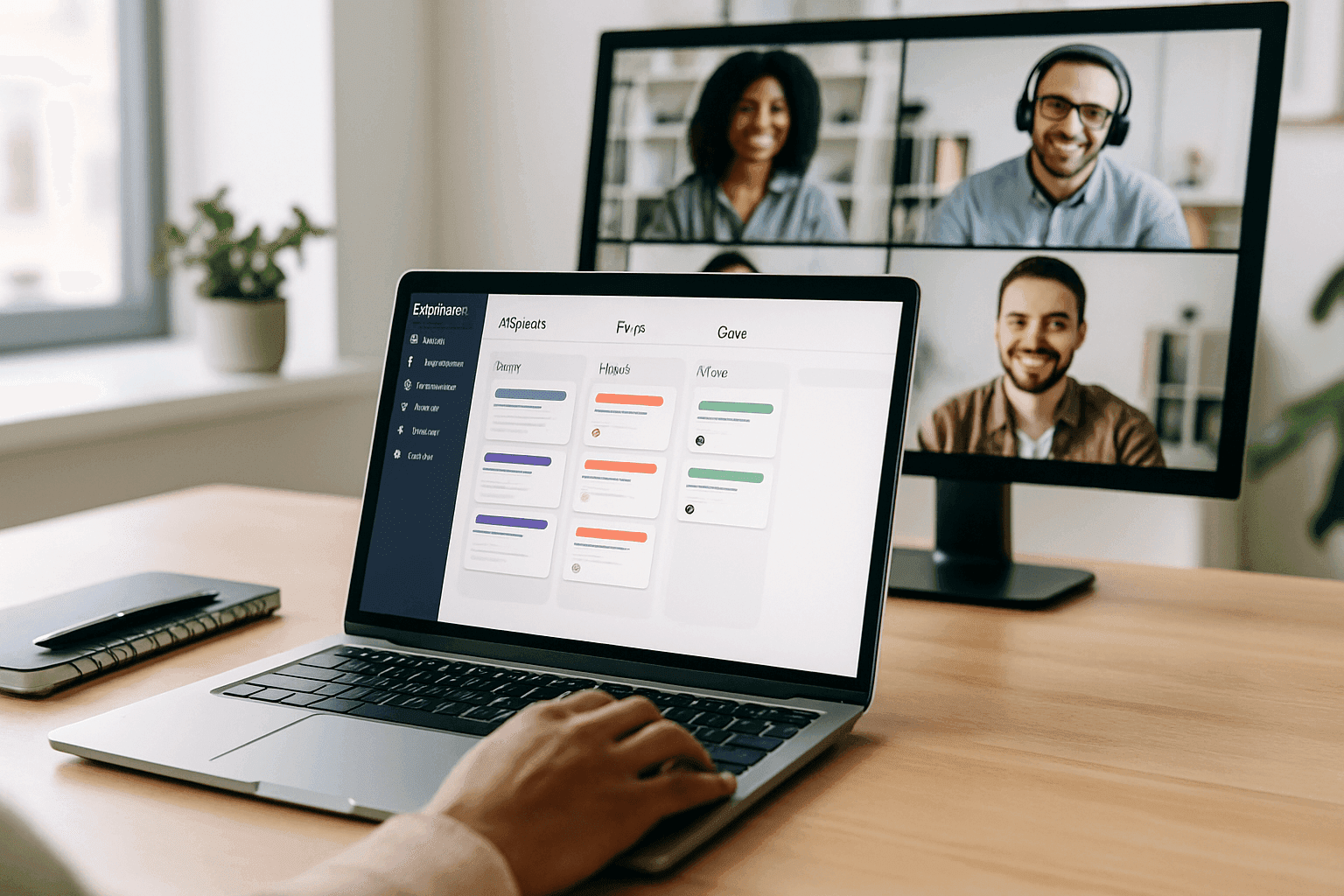
With the UK world of work changing quickly in 2026, distributed teams from London to Glasgow and the Scottish Highlands now work remotely and hybrid. What started as a temporary fix has become routine for many councils, charities and firms across Birmingham, Leeds and Manchester. Project management platforms help these teams coordinate their efforts and deliver results.
These systems do more than track to-dos or host calls. They create shared workspaces where people keep sight of priorities, take responsibility and keep projects moving whether they’re in a Shoreditch café, a Leeds office or working from home in Cornwall. The difference between teams that cope and teams that thrive usually comes down to how clearly they set up their digital ways of working.
For workplace teams running office services, employee engagement or cross-department projects, knowing which features matter and how to introduce them is now practical business knowledge. This is not about chasing every new shiny feature. It’s about putting in place dependable systems that let people do good work, wherever they happen to be.
Why old-fashioned coordination breaks down outside the office
Email chains get messy. Weekly status calls eat into time. Documents end up in different versions on different drives. Those small irritations grow much worse when people aren’t in the same building. The quick chats that used to fill the gaps—corridor conversations, overheard updates—simply don’t happen.
Cloud collaboration tools were built to fix the gaps that appear when proximity disappears. Without quick in-person catch-ups, information flow stalls. Without visible work-in-progress, responsibility fades. Without shared context, people drift out of step until missed deadlines and duplicated work appear.
Good platforms create persistent, accessible workspaces where everything about a project lives together. Team members can see who’s doing what, how pieces fit into bigger plans, and get the background they need without interrupting others. That transparency is the backbone of trust when you can’t rely on being in the same room.
Core features that actually help distributed teams
Not every product offers the same value. When evaluating tools, focus on capabilities that solve coordination problems rather than the number of features on the sales slide.
Clear task visibility is the basic must-have. Every person should see what needs doing, who owns it, when it’s due and how it links to other work. That stops constant status-checking and frees people to get on with tasks.
Asynchronous communication matters for teams spread across time zones or working flexible hours. The best platforms let people leave full context, ask questions and make decisions without everyone needing to be online at the same time. That respects different working patterns while keeping projects moving.
Document collaboration inside the workflow prevents version chaos. When files sit beside the tasks they support, with ownership and change history, teams avoid the time drain of hunting for the right version.
Customisable notifications help people stay informed without drowning in alerts. Letting staff choose how and when they get updates keeps focus and reduces burnout.
Integration options increase a platform’s value by linking project work to HR systems, comms tools or sector-specific apps. When data flows between systems automatically, teams spend less time on manual updates.
For practical examples of how workplace teams use these tools, read more articles on the Naboo blog.
The remote collaboration maturity framework
Organisations adopt project platforms at different stages. Use a simple maturity framework to see where you are and what to tackle next.
Level 1: Reactive coordination
Teams rely on email and ad-hoc calls. Project info lives in personal inboxes and files. Work is mainly fire-fighting. Remote work feels chaotic.
Level 2: Centralised information
A shared platform holds tasks and files, and basic structures exist. Adoption is patchy; some still revert to email or spreadsheets. Siloes remain.
Level 3: Integrated workflows
The platform is the single source of truth. Communication tools link directly to work. Standard processes are in place and most people use the system daily. Remote work becomes manageable.
Level 4: Proactive optimisation
Teams refine ways of working using data. Automation handles routine tasks and team norms are clear. Work flows smoothly.
Level 5: Strategic advantage
Remote collaboration becomes a strength. The organisation hires people anywhere in the UK or beyond, teams form around skills rather than location, and innovation happens faster.
How one UK workplace team moved up the curve
Imagine a mid-sized charity with offices in Manchester, Bristol and a growing remote cohort. They used email and monthly calls and faced duplicated effort and unclear ownership. The operations lead set a goal to reach Level 3 within six months.
They introduced a standard project template for employee events covering objectives, budgets, timelines and approvals. Local leads owned delivery in each city while one person coordinated centrally. All event conversation moved into the platform instead of email, and post-event feedback was attached to the project record to build a learning library. Within three months coordination felt routine and employee feedback on events improved.
When planning hybrid events and staff away-days, they used the platform to manage logistics, vendors and feedback, which helped deliver consistent experiences across locations and remote staff. For more ideas for planning meaningful events, they linked the platform’s event plan to external suppliers and checklists.
Common misconceptions that hold teams back
More features equal better results — Not true. Too many features overwhelm teams. Start with a small set that you use well and add more as needed.
The platform will fix bad processes — Technology amplifies what you already do. Sort out messy processes first, then use tools to support the improved way of working.
Everyone will adopt it naturally — Behaviour change needs training, clear expectations and visible leadership. Giving access alone doesn’t ensure use.
One tool must do everything — Different kinds of work need different tools. Aim for an integrated ecosystem rather than forcing everything into one system.
Tools are only for fully remote teams — Hybrid teams can struggle more because in-person habits exclude remote staff. Digital-first norms keep everyone included.
How to measure whether it’s working
Track practical measures. Project cycle time shows if coordination is improving. Use short pulse surveys to see whether people feel informed and included. Measure meeting hours to check whether time shifts from status updates to decision-making. Monitor cross-team project frequency to spot silo-busting. Track how often people ask "where is this" to judge information findability. Leaders should be able to see team capacity and project status without ad-hoc reports.
Integration strategies for hybrid UK workplaces
The basic rule: make digital the default record. Even when people sit together in an office in Canary Wharf or a co-working space in Edinburgh, capture decisions and context in the shared platform so remote colleagues aren’t left out.
Set clear norms about when to use synchronous versus asynchronous channels. Share meeting agendas and materials in advance and keep notes and action items in the platform so everyone can follow up. These habits level the playing field between those in the room and those joining from home.
For hybrid events, use the platform to co-ordinate RSVPs, suppliers and feedback so attendees in Cardiff, Newcastle or farther afield get a consistent experience.
Automation and intelligence that add real value
Modern platforms offer automation and simple AI that help teams work smarter. Intelligent task suggestions can balance workloads. Automated status reports cut down manual updates. Predictive timelines use past data to produce more realistic deadlines. Smart notifications reduce noise by surfacing only what’s relevant. Natural language features let people update work using plain English instead of wrestling with menus.
These features help most when teams already use the platform reliably. If you’re still at Levels 1 or 2, focus on adoption before adding complexity.
Keeping good habits that last
Regular rhythms matter. Agree predictable check-ins and update cadences so people can plan their weeks. Keep short written updates before meetings to improve preparation and record keeping. Define who can make which decisions and log those decisions in the platform with a short reason so teams don’t re-open settled issues.
Make space for human connection. Use the platform for informal channels, celebrate wins and encourage people to share small personal updates. Strong relationships make practical collaboration easier and improve morale.
Do regular retrospectives and tweak your approach as needs change. The platform should adapt to your team, not the other way around.
Project Management Software Comparison for UK Remote Teams
| Feature Category | Implementation Duration | Setup Difficulty | Best Team Size | Cost Range (Monthly) | Primary Benefit for Remote Work |
|---|---|---|---|---|---|
| Core Task Management | 1-2 weeks | Low | 5-50 people | £20-£100 | All team members see the same tasks and status |
| Real-time Collaboration Tools | 2-4 weeks | Medium | 10-100 people | £50-£300 | Teams work together live without being in the same room |
| Workflow Automation | 3-6 weeks | High | 20-200 people | £100-£500 | Less back-and-forth needed for asynchronous teams |
| Integration & API Management | 2-8 weeks | High | 30-500 people | £200-£1000+ | One platform replaces multiple tools |
| Time & Resource Tracking | 1-3 weeks | Medium | 8-150 people | £30-£200 | Clear view of who is doing what and capacity across locations |
| Reporting & Analytics Dashboard | 2-5 weeks | Medium | 15-300 people | £40-£400 | Answers questions from reports instead of meetings |
| Hybrid Workplace Integration | 4-10 weeks | Very High | 50-1000 people | £500-£5000+ | Remote and office workers experience the same workflow |
What’s next for distributed work in the UK
Expect closer ties between project management and employee experience tools as firms in 2026 look to understand workload and wellbeing together. Immersive tech like virtual spaces may help some activities, but plain text and asynchronous work will remain central for most projects. Data privacy and compliance are vital, especially for organisations working across the UK and Europe. Think about who can access what information and where data is stored.
AI will automate routine coordination, freeing people for higher-value tasks. The shape of teams will also keep shifting: project teams will include contractors and partners more often, so flexible permissions and simple onboarding are essential.
Conclusion
Project management platforms are now essential infrastructure for distributed organisations across the UK. Success comes from choosing practical features, improving existing processes, and helping people adopt new ways of working. Use the maturity framework to prioritise changes that give the biggest gains.
When workplace teams in London, Manchester, Birmingham or the Scottish Highlands combine sensible tech choices with straightforward habits, they make invisible work visible and turn coordination from constant effort into reliable routine. Those who treat remote collaboration as a capability to build—not just a problem to solve—will get the best results in 2026 and beyond.
Frequently asked questions
What makes project management software more useful for remote teams than for in-person teams?
Remote teams lack the quick, informal coordination of shared spaces. Effective platforms keep work status visible, provide asynchronous channels that don’t need everyone online at once, and set clear ownership so tasks don’t rely on physical proximity. That combination matters far more for distributed teams than for people all in the same office.
How long before a team sees productivity gains after introducing a new tool?
Expect a short learning dip of two to four weeks. With good training and leadership support, measurable improvements often appear within six to twelve weeks. Reaching full maturity can take six months or more as teams embed new habits.
Should small UK teams buy big platforms or start small?
Start simple. Small teams get more value from using a few core features well—task lists, file sharing and basic communication—than trying to adopt a complex system all at once. Add features as your needs grow.
How do organisations make sure staff actually use the new platform?
Use several approaches: visible leadership use, clear rules about where information lives, practical training that shows how the tool saves time, and gentle accountability. Make the platform the single place for certain critical items so people have a reason to log in regularly.
What security checks should leaders run when choosing a platform?
Look for enterprise-grade encryption, role-based permissions, audit logs and relevant compliance such as GDPR. Check the vendor’s incident response record and whether they can meet data residency needs if that matters for your sector.
For further reading on practical workplace topics visit the events section for inspiring event ideas that support hybrid teams.